- Downloads
- 1.1K
- Mod loaders
- fabric
- Minecraft versions
- 1.20.1, 1.19.2
- Categories
- adventure, challenging, combat
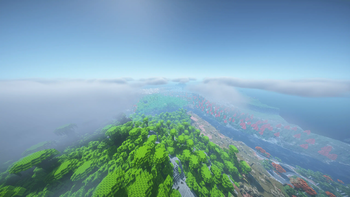
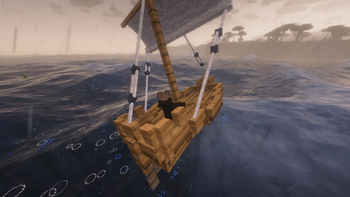
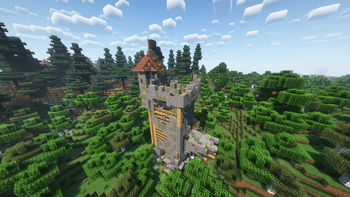
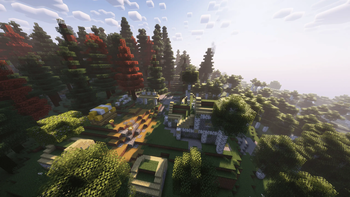
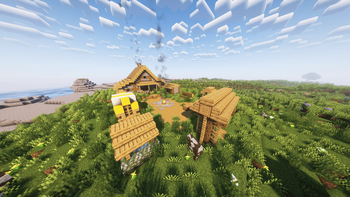
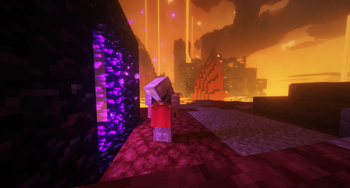
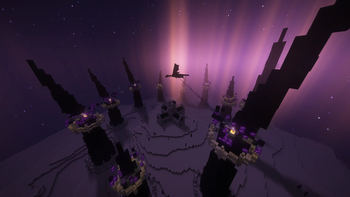
Rage's Vanilla+ screenshots
About this modpack
Welcome to the Ultimate Vanilla+ experience! This modpack is packed with goodies, including a Shader and multiple texturepacks like Fresh Animations. This pack also has optimization mods to use high performance mods such as Dropz or the Physics mod (If you want the Pro version you have to manually download it from the Internet: [Download Pro Version](https://c10.patreonusercontent.com/4/patreon-media/p/post/105510754/a98a1c24b8144bed9287dab99a5aeed9/eyJhIjoxLCJwIjoxfQ%3D%3D/1?token-time=1719014400&token-hash=SyvVSSE16QStE9D9kpabu_aa1BkqlSynjQ-GLlsUMfo%3D)). Feel free to customize your experience by adjusting settings or disabling mods as you see fit. Have a lot of Fun using this and have a great day!
My Tip for better FPS:
- turn off VSync immediately (from 48 to 96 FPS)
- Render distance to 10 Chunks and
Simulation Distance to 8 Chunks (from 96 to 112 FPS)
- go to video settings, then to performance, turn off Use Entity Culling
- change the shader or/and the settings of the shader however you like
- Please set the RAM to a higher value than the default, about half the RAM your PC has!
For better Gameplay:
- Please change the FOV to 90 or higher
- go to the controls and search for Toggle Sail and change the Key from r to h
- using the physics mod and Fresh Animations causes mobs to instantly vanish when killed, instead of the animation (particles)
- FIX: Open physics mod settings and disable Mob Ragdoll :D
Important!!!
Enable the Eyeless Fresh Moves and Fresh Animations Resource pack
When you create a new world type this in the chat:
`` /function vanilla_refresh:other/actions/other/biome_disable ``
Type this aswell in Chat:
`` /function vanilla_refresh:other/actions/other/subtitle_disable ``
If you want you can disable that health display (_see below_) by typing this in chat
`` /function vanilla_refresh:other/actions/mob/mob_health_disable `` !Health Display
Remember that this is a modpack that requires good PC components!
<details> <summary>Credits:</summary>
Illuminations </details>
Modpack wiki coverage
Orca uses the project's published metadata and version files as the source of truth. Item, block, mob, recipe, structure, dimension, GUI, and mechanic pages are added after their included mod files are extracted and attributed.