orca tool run generate_skin --name storm_wizard --description "storm wizard with a teal cloak"Open capability page
ASSETS
Minecraft mob maker
Retexture, custom build, or AI-to-Blockbench
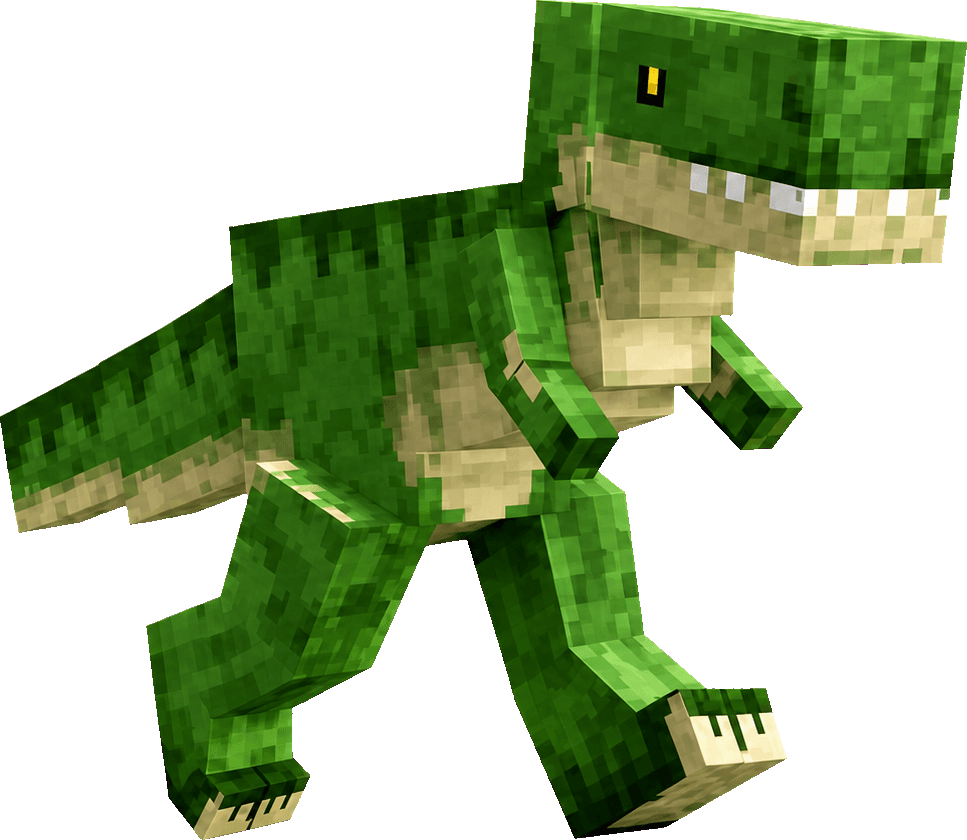
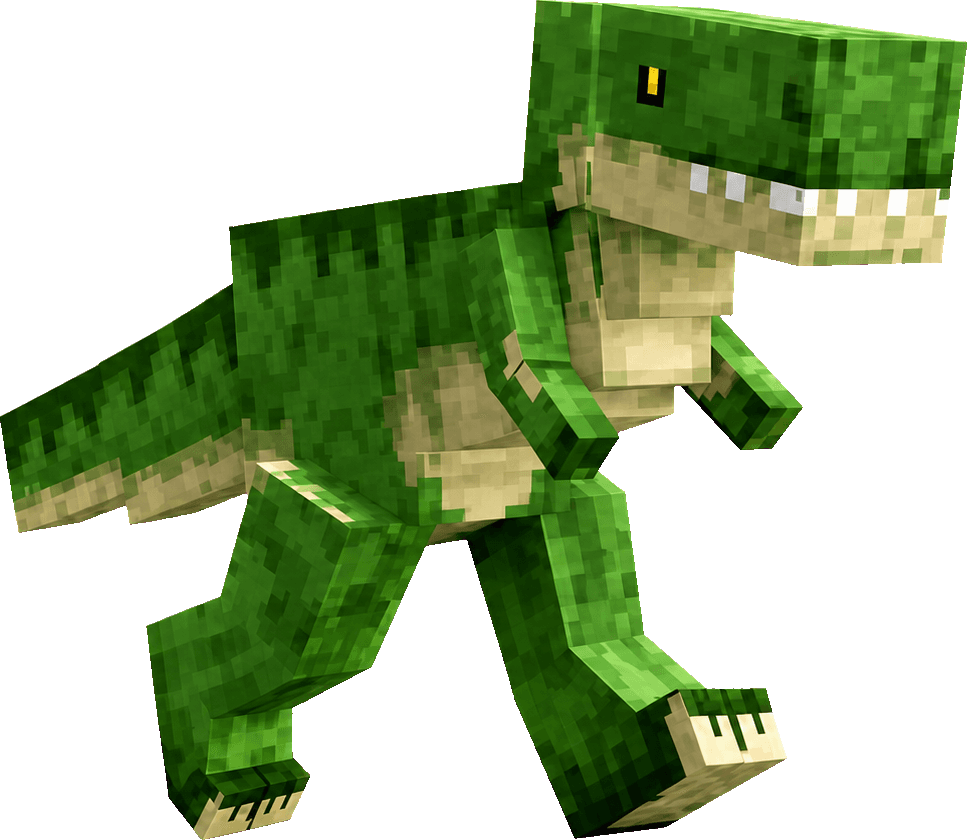
orca tool run generate_model --name village_trex --description "friendly village guardian T-rex"Open capability page
One command surface06 CAPABILITIES
Built for humans and coding agents
Friendly noun-and-verb commands make common Minecraft workflows readable, scriptable, and easy to inspect before execution.
01
Discover commands
Run orca commands or orca actions to inspect supported capabilities instead of guessing command names.
02
Inspect Minecraft instances
List local instances and their installed mods using structured output suitable for scripts and agents.
03
Install and launch
Install a creation into a selected instance, resolve the launch, then start the matching Minecraft setup.
04
Create Minecraft assets
Generate item, block, GUI, texture, model, and skin assets for an Orca project.
05
Manage owned servers
Inspect status, logs, players, files, mods, settings, and power actions through owner-scoped server commands.
06
Return structured JSON
Use machine-readable results so a coding agent can verify state and continue a multi-step workflow.
HOW IT WORKSSAFE EXECUTION PIPELINE
Inspect, preview, then execute
The CLI separates discovery from consequential actions so automation stays predictable.
01
Discover the command
Use orca commands, orca actions, and orca doctor to understand the available local and cloud surfaces.
02
Select the exact target
Name the Minecraft instance or server explicitly. Read-only commands return current state without changing it.
03
Preview and confirm
Use dry-run when available, then confirm the exact consequential action after reviewing its target and arguments.
PERMISSIONS + SAFETYOWNER SCOPED
Automation with clear boundaries
The CLI never stores Orca service credentials. Local actions pass through a private desktop handoff; cloud and server actions use authenticated, owner-scoped hosts.
orca.permissionsverified
Explicit instance and server selectors
Dry-run support before consequential actions
Single-use authorization for protected server changes
No raw access to service credentials
scopeleast-privilege
FAQ04 ENTRIES
Common questions
Everything you need before opening a terminal.
01 / How do I install the Orca CLI?+
Install Orca Desktop, which installs and updates the matching command-line tool. The CLI is currently distributed with Orca rather than as a standalone npm package.
02 / Does the Orca CLI control terminal panels or IDE tabs?+
No. Orca CLI controls Orca and Minecraft capabilities. Your terminal, IDE, or workspace tool remains responsible for its own panes, tabs, and window layout.
03 / Can a coding agent use the Orca CLI?+
Yes. The CLI exposes discoverable commands and structured JSON output so terminal-based agents can inspect capabilities, propose actions, and verify results.
04 / Are CLI and MCP separate implementations?+
They are two interfaces over the same canonical capability contracts. This keeps command names, schemas, permission requirements, and core behavior aligned.
 BUILDER HAMMERmade through CLI