Dark Forge's Create modpack page
- Downloads
- 473
- Mod loaders
- fabric
- Minecraft versions
- 1.19.2
- Categories
- adventure, technology
Dark Forge's Create screenshots
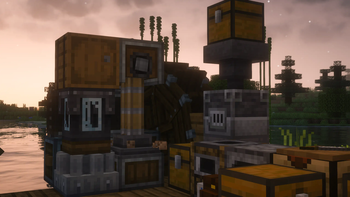
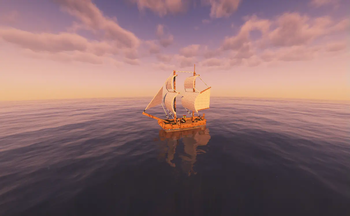
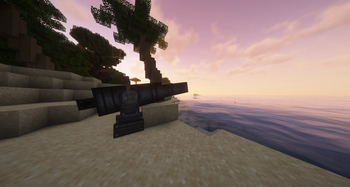
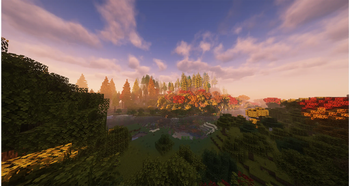

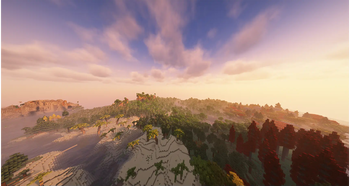
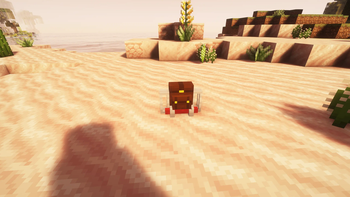
About this modpack
In favor of our new modpack, we have decided to archive this project. We are working on a newer and more content-rich modpack, which will be released in Q2 2026. !Dark Forge's Create Banner
A Create focused modpack made by the Dark Forge team
Dark Forge's Create is a modpack that adds a ton of new ways to experience Create. Ranging from new blocks, mechanics, and items to new biomes and graphics, all of this allows you to unlock a new dimension of creativity in your next Minecraft world. We primarily focused on providing you with new content but keeping things as simple as possible.
Includes - see our gallery
- Ships
- Cannons
- Optimisation
- Decorations
- New terain
- Shaders
- Create QOL addons
Installation
- With e4mc included, you can easily host your own world if your PC can handle it. Here's how:
- Open a world to LAN in Minecraft.
- e4mc will automatically provide you with a server address you can share with other players.
- Modrinth app
- Third party Launcher: To install and play the modpack with the .mrpack file, follow the instructions here.
- Server side - All server-side mods and files are available on my GitHub, and updated as the modpack updates
All included mods are found here
<a href='https://okamicrafts.net/contact-us' target='blank'>
LINKS
<a href='https://okamicrafts.net/' target='blank'></a> <a href='https://discord.com/channels/1323695764337328179/@home' target='blank'></a> <a href='https://bsky.app/profile/dark-forge.bsky.social' target='blank'></a>
Modpack wiki coverage
Orca uses the project's published metadata and version files as the source of truth. Item, block, mob, recipe, structure, dimension, GUI, and mechanic pages are added after their included mod files are extracted and attributed.