MCC Island for Lunar Client modpack page
- Downloads
- 464.3K
- Mod loaders
- fabric
- Minecraft versions
- 1.21.11, 1.21.8, 1.21.5, 1.21.1, 1.21, 1.20.4
- Categories
- combat, multiplayer, optimization
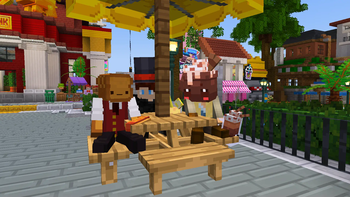
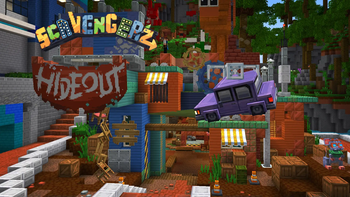
MCC Island for Lunar Client screenshots

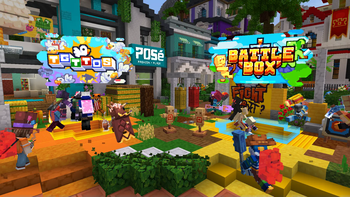
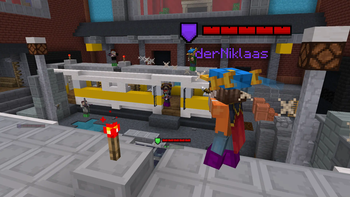
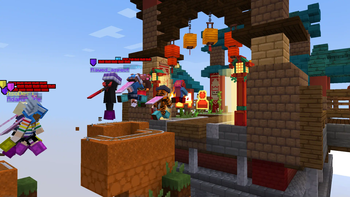
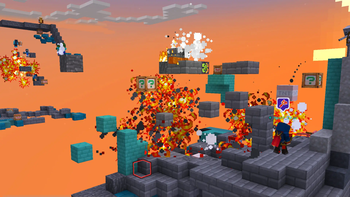
About this modpack
MCC Island for Lunar Client
MCC Island for Lunar Client is a tailor-made list of popular mods to enhance your gameplay experience on MCC Island. These mods are validated to work with Lunar Client.
Note: We recommend using [**Lunar Client**](https://lunarclient.com/download) to gain the best experience while using this modpack, however it can be launched on any modpack loader.
Modpack Content
- Noxesium: Improves client performance and experience on large multiplayer servers.
- Island Utils: Adds enhancements to your MCCI experience.
- Lithium: General purpose optimization mod, improves game and server logic.
- Sodium: Modern rendering engine which greatly improves performance.
- Iris: Modern shaders mod for Minecraft, compatible with OptiFine shader packs.
- Fabric API: Adds common hooks and intercompatibility measures.
- FerriteCore: Provide memory usage optimizations.
- Cloth Config API: Configuration library for Minecraft Mods.
- Mod Menu: Adds a mod menu to view an in-game list of all the mods you have installed.
- More Culling: Prevents the rendering of things you cannot see to improve FPS.
- Nvidium: Adds additional optimizations for Minecraft users who have a NVIDIA GPU.
- YetAnotherConfigLib: A builder-based configuration library for Minecraft.
FAQ
<details> <summary>How do I install the MCC Island modpack on Lunar Client?</summary>
<center><b>Here are the five easy steps you need to take!</b></center>
Step 1: Download Lunar Client

Step 2: Select "Versions" on the Lunar Client Launcher

Step 3: Click "Modpacks" on the top of the page

Step 4: Install your modpack of choosing, in this case the MCC Island for Lunar Client Modpack.

Step 5: Click "Launch Game" after the install is complete!

</details>
<details> <summary>What is MCC Island and how do I play?</summary>
MCC Island (also known as MCCI) is a free to play public Minecraft server that allows everyone that follows MC Championship to enjoy their favorite game modes from the event. MCCI and MC Championship were both created and are currently owned by Noxcrew. MCCI features an assortment of gamemodes, such as; Hole in the Wall, Battle Box, Sky Battle, Parkour Warrior Dojo, and To Get to the Other Side. For in-depth summaries of each gamemode visit our blog post. Alongside all these gamemodes, you'll find a fully customized experience.
Ready to play? Connect to MCC Island today using: play.mccisland.net
</details>
<br>
Connect with fellow MCC Island enthusiast and stay in the loop with latest updates in our Discord.
Modpack wiki coverage
Orca uses the project's published metadata and version files as the source of truth. Item, block, mob, recipe, structure, dimension, GUI, and mechanic pages are added after their included mod files are extracted and attributed.