- Downloads
- 2.4K
- Mod loaders
- fabric
- Minecraft versions
- 26.2, 26.2-rc-1, 26.1.2, 26.1.1, 26.1, 1.21.11, 1.21.10, 1.21.9, 1.21.8, 1.21.7, 1.21.6, 1.21.5
- Categories
- lightweight, optimization
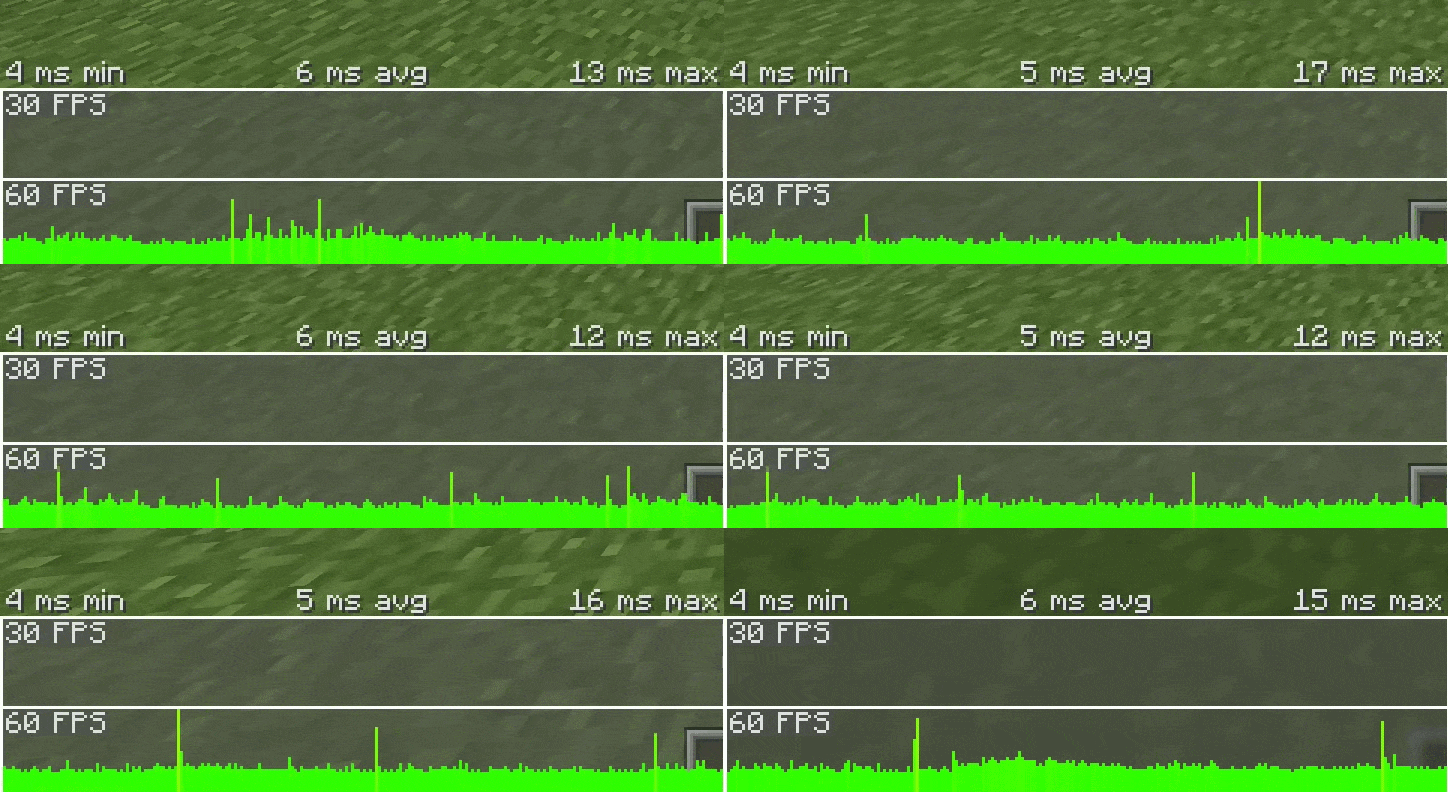
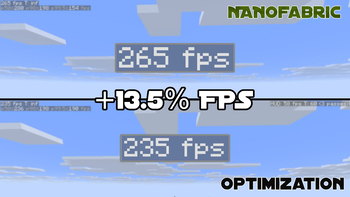
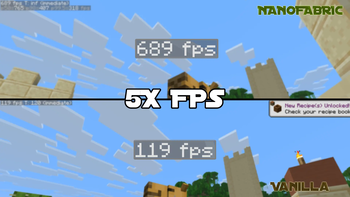
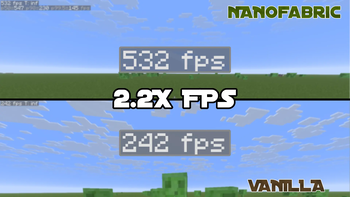
NanoFabric screenshots
About this modpack
NanoFabric is a optimization only modpack for users who need performance to go.\ We include Iris for 1.21.5 to 26.1.2

What's The Benefit Of This Modpack?
ϟ Absolute Performance Only, meaning we try and give the best performance without unnecessary mods.
🪽 Lightweight, self explanatory.
∞ User Support, if you have a crash/problem with NanoFabric we can help you. We also support other modpack issue. ___
Who does the testing for NanoFabric?
Forlorn does the main testing and what mods enter and leaves the list.
Grassplate, does testing on FPS, stutters, stability, and chunk load speed.
Forlorns Pc's Specs Are
- GeForce RTX 3050 "Type of GPU: Dedicated GPU",
- Intel Core i5-8500,
- 16 GB of DDR4 RAM, 4 GB is used for Minecraft,
- Type of Pc: Tower PC
Grassplate Pc's Specs Are
- AMD RX 7900 XT "Type of GPU: Dedicated GPU",
- AMD Ryzen 7 7800X3D,
- 32GB of DDR5 RAM, 6 GB is used for Minecraft,
- Type of Pc: Tower PC
<details> <summary>Recommended Settings For Users</summary>
If a setting has a () around it, it means its recommened for extra performance but is optional.
Low End:\ 8-12 Render Distance\ 5-7 Simulation Distance Cloud = Fast\ See-Through Leaves = Off\ Particles = Minimal
Medium End:\ 15-22 Render Distance\ 10-15 Simulation Distance\ Cloud = Fancy\ (See-Through Leaves) = Off or ON\ (Particles) = Minimal or All
High End:\ 25-30 Render Distance\ 15 Simulation Distance\ Cloud = Fancy\ (See-Through Leaves) = Off or ON\ Particles = All
WARNING FOR VULKAN API/MOD\ Vulkan may be incompatible with some mods and systems, if the the system was released in 2016 or before. If you want great performance but more compatiblilty, use our Sodium version instead of our Vulkan version for 1.21.5 to 26.1.2! Sodium now support Vulkan starting 26.2!
</details>
</details>
<details> <summary>Answers For The Concerns That May Occur</summary>
Simple Questions ---
- Will this improve FPS massively?\
Yes, NanoFabric is focused on massively improving performance, from doing stability increase to FPS increase. For Low to High end PC's users to enjoy. And even for people who can't use Nvidium, the performance will be 2 to 4 times more!
- Will it update to the newest version?\
Yes. I'll try and make NanoFabric update to the newest version of Minecraft for you to play.
- Will it have Iris?\
Depends on Minecraft version, from 1.21.5 to 26.1.2 you will have Iris to use Shaders but because they won't work with Vulkan API for 26.2+, we will no longer add them to the modpack list.
Safety Questions ---
- Is this safe to use?\
Yes, all of these mods was tested and reviewed to see if its safe or not, if they weren't safe, then they would be removed and will never be added to NanoFabric even if they claimed that they stopped, they already broke our trust.
- Will it work with other mods?\
Depends what version you use. Vulkan verions in my Modpack could cause crashes or glitches, as it changes the API from OpenGL to an API not support by Minecraft, while with Sodium was made to give great performance and better compability because it keeps the API Minecraft uses which is OpenGL, by not including Vulkan.
- Will this break Multiplayer servers?\
No, neither Vulkan nor Sodium will break your multiplayer servers.
Vanilla Minecraft Concern Questions ---
- Will it kill the vanilla feeling?\
No, NanoFabric was made to make the vanilla Minecraft intact and will NOT remove the vanilla feel but instead, just performance to make it feel smoother.
- Will this change gameplay or add new features?\
No, like before this is just a performance modpack that will NOT ADD any new mechanics nor items in Minecraft, this was only made for you to enjoy the performance and game on vanilla Minecraft.
Other Possible Questions ---
- Do I need to configure anything?\
No, it was made to be ready out of the box, but you can change it in your needs for performance.
- Can I add/remove mods in the Modpack?\
Absolutely, you may add/remove any mods you want in NanoFabric, from what you want and need for your Minecraft worlds but if you remove/swap some performance mod it may decrease your FPS or stability.
</details>
Other Projects I Work On
 
Modpack wiki coverage
Orca uses the project's published metadata and version files as the source of truth. Item, block, mob, recipe, structure, dimension, GUI, and mechanic pages are added after their included mod files are extracted and attributed.