Optimized Features modpack page
- Downloads
- 383
- Mod loaders
- fabric
- Minecraft versions
- 1.21.3, 1.20.4
- Categories
- lightweight, multiplayer, optimization
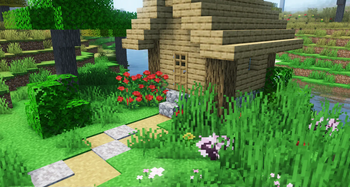
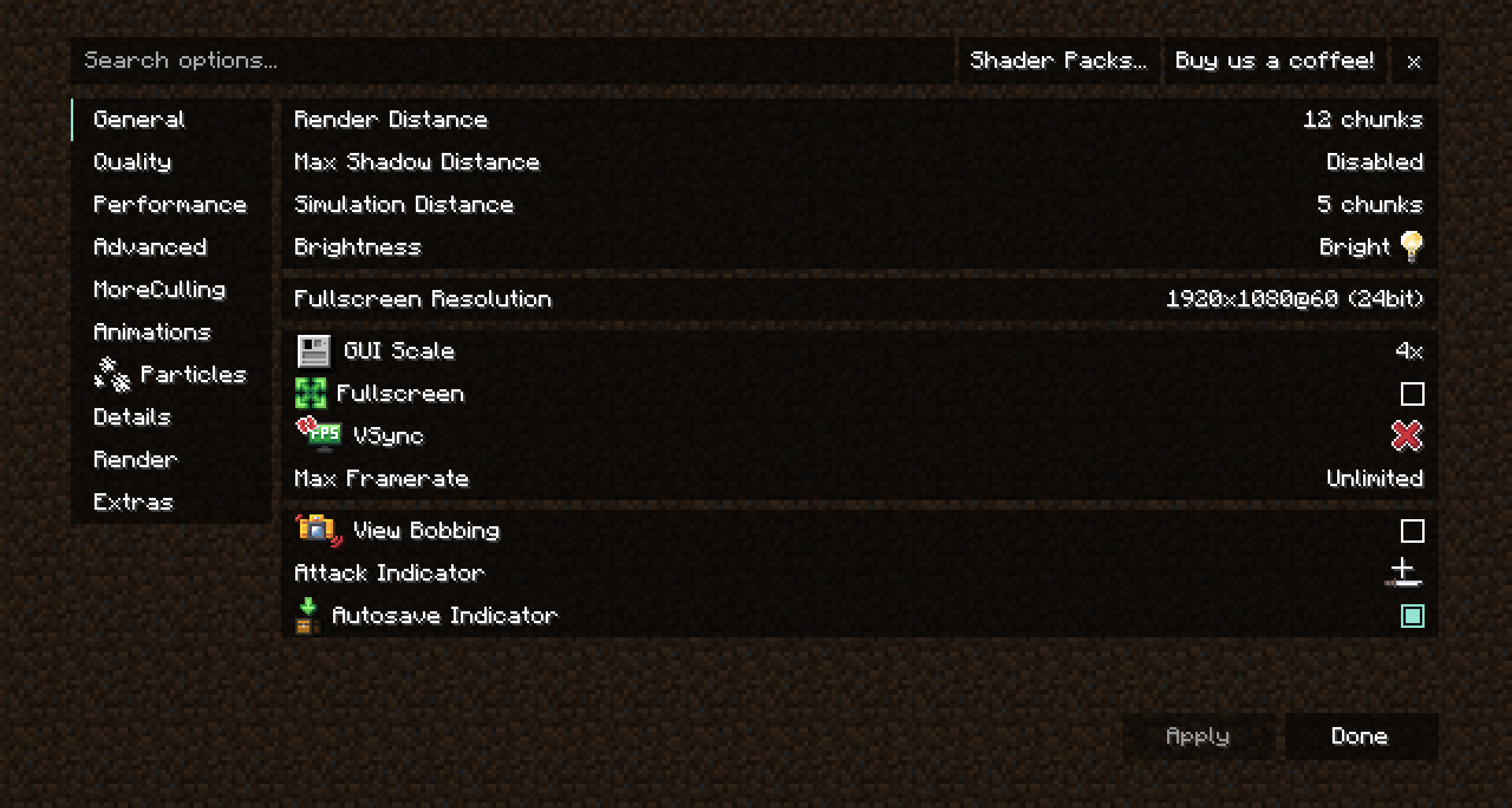
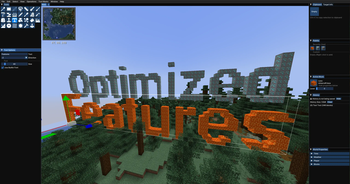
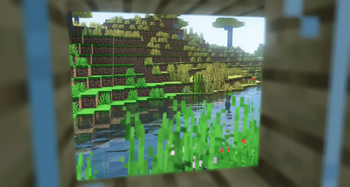
Optimized Features screenshots
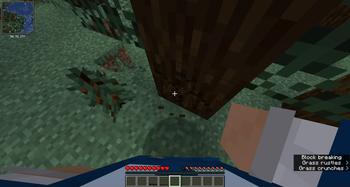
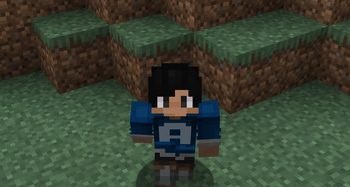
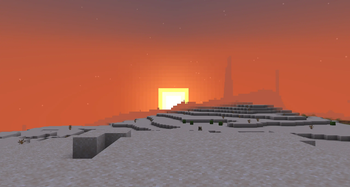
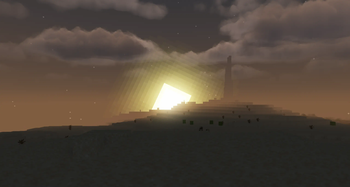
About this modpack
Introducing Optimized Features!
Explore the unparalleled Minecraft optimization modpack! Encounter seamless gameplay, lightning-quick loading speeds, and a performance surge that will elevate your gaming experience to new heights! This modpack not only elevates performance but also incorporates shader compatibility, zoom features, cohesive textures, world map and minimap, animations, blinking to your skins, particles, ability to play with friends without making a server, cosmetics, and many more features.
Why Optimized Features?
The goal of Optimized Features is to:
- perfect the already existing game
- make the game playable for players who have potato PCs and want to use shaders
- make the game more beautiful
Works Anywhere
This modpack works anywhere because all the mods are client side. You can even use this modpack in different launchers.
Support or Issues?
If you have any problems, feature suggestions or other you can join my helpful Discord.
Thanks
Big thanks to Julian499 for the support. <details> <summary>Mods</summary>
- Ash API
- Auto HUD
- Axiom
- BadOptimizations
- Better Mount HUD
- BetterF3
- Bobby
- Bounced
- Camera Utils
- Chat Animation
- Chat Heads
- Cloth Config API
- Concurrent Chunk Management Engine (Fabric)
- Continuity
- CustomSkinLoader
- Dynamic FPS
- ESSENTIAL Mod
- Effect Timer Plus
- Enhanced Block Entities
- Entity Culling
- Fabric API
- Fabric Language Kotlin
- FerriteCore
- Flashback
- ImmediatelyFast
- Indium
- Iris
- Iris Shaders
- LambDynamicLights
- Lithium
- Memory Leak Fix
- Mod Menu
- ModernFix
- More Culling
- No Chat Reports
- Noisium
- Not Enough Animations
- Presence Footsteps
- Real Camera
- Reese's Sodium Options
- Shuffle
- Sodium
- Sodium Extra
- Status Effect Bars
- ThreadTweak
- Very Many Players (Fabric)
- Visuality
- Wavey Capes
- Xaero's Minimap (Fair-Play)
- Xaero's World Mao
- YetAnotherConfigLib
- Zoomify
- [EMF] Entity Model Features
- [ETF] Entity Texture Features
</details> <details> <summary>Resource Packs</summary>
- Fresh Animations
- Fresh Moves
- Icons
- Unique Dark
</details> <details> <summary>Shaders</summary>
- Aurora's Shaders
- Complementary Shaders - Reimagined
- MakeUp - Ultra Fast
- Miniature Shader
- RenderPearl
- Vanilla Plus Shader
</details>
Modpack wiki coverage
Orca uses the project's published metadata and version files as the source of truth. Item, block, mob, recipe, structure, dimension, GUI, and mechanic pages are added after their included mod files are extracted and attributed.