- Downloads
- 14.6K
- Mod loaders
- fabric
- Minecraft versions
- 1.21.4, 1.20.1
- Categories
- adventure, challenging, optimization
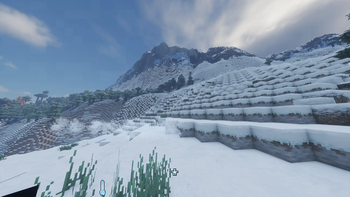
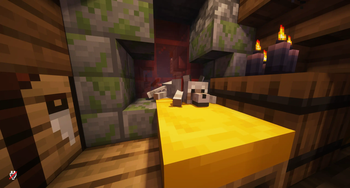
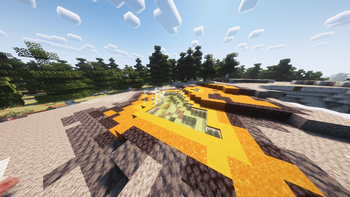
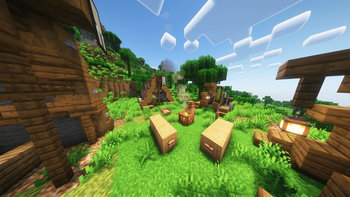
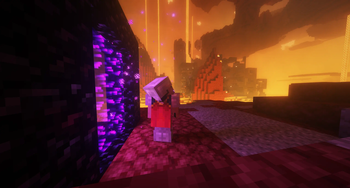
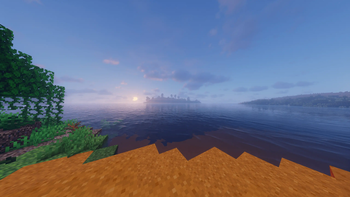
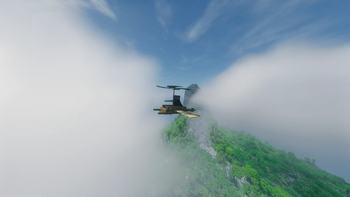
Realism Beyond screenshots
About this modpack
Welcome to the Realism Beyond experience! This modpack is packed with goodies, including Distant Horizons 2.0, multiple Shaderpacks and various texturepacks like Fresh Animations or Fresh Moves. This pack also has optimization mods to use high performance shaders such as Rethinking Voxels. This Modpack has many mods that make the game more realistic, including the most realistic sounds, perfect word generation, heat/cold, realistic trees and even more! Feel free to customize your experience by adjusting settings or disabling mods as you see fit. Have a lot of Fun using this and have a great day!
My Tip for better FPS:
- turn off VSync immediately (from 60 to 113 FPS)
- Render distance to 10 Chunks and
Simulation Distance to 8 Chunks (from 113 to 123 FPS)
- go to video settings, then to performance, turn off Use Entity Culling (+5 FPS)
- change the shader or/and the settings of the shader however you like
- Please set the RAM to a higher value than the default, about half the RAM your PC has!
For better Gameplay:
- Please change the FOV to 90 or higher
Important!!!
You might want change some Keybinds!!!
When you create a new world type this in the chat:
`` /function vanilla_refresh:other/actions/other/biome_disable ``
Type this aswell in Chat:
`` /function vanilla_refresh:other/actions/other/subtitle_disable ``
If you want you can disable that health display (_see below_) by typing this in chat
`` /function vanilla_refresh:other/actions/mob/mob_health_disable `` !Health Display
- I get around 98 FPS (48 Chunks Render Distance, 32 Chunks Simulation Distance, using Bliss Shader)
!48 Chunks, 32 Chunks, 98FPS
Remember that this is a modpack that requires good PC components!
Modpack wiki coverage
Orca uses the project's published metadata and version files as the source of truth. Item, block, mob, recipe, structure, dimension, GUI, and mechanic pages are added after their included mod files are extracted and attributed.