- Downloads
- 279
- Mod loaders
- fabric
- Minecraft versions
- 1.20.4
- Categories
- adventure, multiplayer, optimization
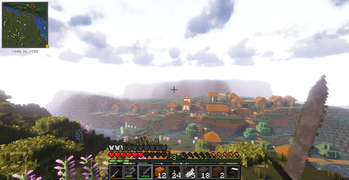
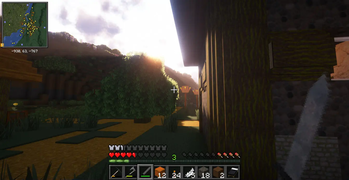
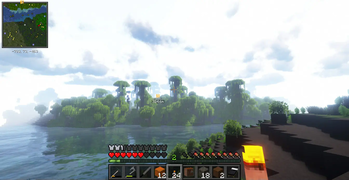
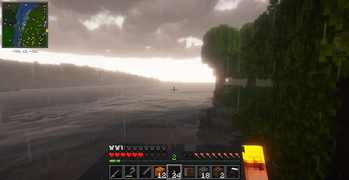
RedmiCraft screenshots
About this modpack
!logo
Play on redmicraft.tcsenpai.com, a Fabric server with:
- Thousands of new structures
- Overhauled world generation
- Claims, minimap, world map
- Overhauled AI
- Much more!
This modpack contains client-side optimizations, utilities, QoL and world-generation related packages that are either required or highly suggested when playing on Redmicraft server.
Note that the modpack also works for offline gaming.
Community
Join us on Discord: https://discord.gg/nvarwX2MjV
How to play on RedmiCraft
- Download https://modrinth.com/app
- Open and log in into Modrinth
- Download and install https://modrinth.com/modpack/redmicraft from the Modrinth app
- Start your Redmicraft instance
- In Multiplayer, add a new server: redmicraft.tcsenpai.com
- Join, enjoy!
*IMPORTANT* Check your PC performances before taking the steps below.
Shaders
This modpack does include Iris shaders. We suggest AstraLex, Complementary Unbound or BLS Shaders.
Resource Packs
We suggest using Faithful 64x, Dramatic Skys, Round Trees and Better Leaves for the best experience possible.
Modpack wiki coverage
Orca uses the project's published metadata and version files as the source of truth. Item, block, mob, recipe, structure, dimension, GUI, and mechanic pages are added after their included mod files are extracted and attributed.