Create: Superflat modpack page
- Downloads
- 1.1K
- Mod loaders
- forge
- Minecraft versions
- 1.20.1
- Categories
- lightweight, technology
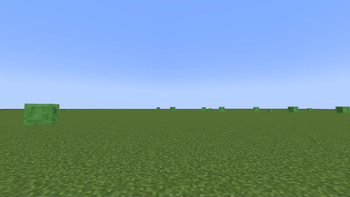
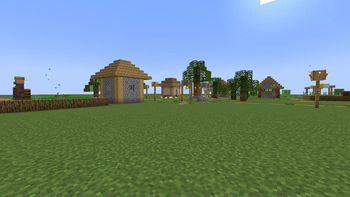
Create: Superflat screenshots
About this modpack
Since there aren't any good superflat create modpacks out there, I decided to make my own
INSTRUCTIONS
- Run this modpack and create a new world. You won't use this world, it's just to create the "saves" folder
- Create a new superflat world with structures in an unmodded instance of Minecraft in 1.17.
- Open file explorer (finder on mac), and navigate to (User)>Appdata>Roaming>.minecraft>saves>(whatever you named your world)
- Click on the folder button next to the play button in the Modrinth app
- Open the "saves" folder
- Move the world folder to the "saves" folder associated with this modpack
- Enjoy!
IMPORTANT Sometimes when you open a world, you will get a red message that says. "KubeJS errors found!", or some variation. If this happens, simply type "/reload". If this continues, please submit an issue on the github repository.
PLANNED FEATURES
- Ability to get pottery sherds
- Ability to get smithing templates that currently are impossible to get
- Ability to get different types of frogs, goats, sniffer eggs, ice, snow, axalotls, rabbits, mycelium, and glow lichen
- AN ACTUAL PROGRESSION SYSTEM
- easter eggs lol
Modpack wiki coverage
Orca uses the project's published metadata and version files as the source of truth. Item, block, mob, recipe, structure, dimension, GUI, and mechanic pages are added after their included mod files are extracted and attributed.