- Downloads
- 20.5K
- Mod loaders
- fabric
- Minecraft versions
- 26.2, 1.21.11, 1.21.10, 1.21.8, 1.21.4, 1.21.1, 1.21, 1.20.6, 1.20.1, 1.20, 1.19.4, 1.19.3
- Categories
- adventure, multiplayer, optimization
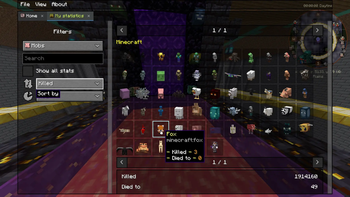
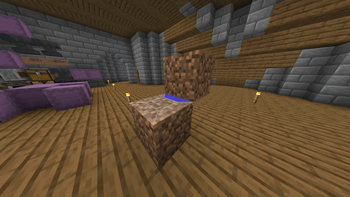
TNF-Vanilla screenshots


About this modpack
!TNF-Vanilla_Banner !Modrinth Downloads 
About
TNF-Vanilla is a modpack that create based on a high performance modpack template WindBreaker(which is also created by me), and plus other mods to does many things easier and faster like building massive redstone machines or trade villager faster. The modpack is mostly design to play vanilla style singleplayer or servers.
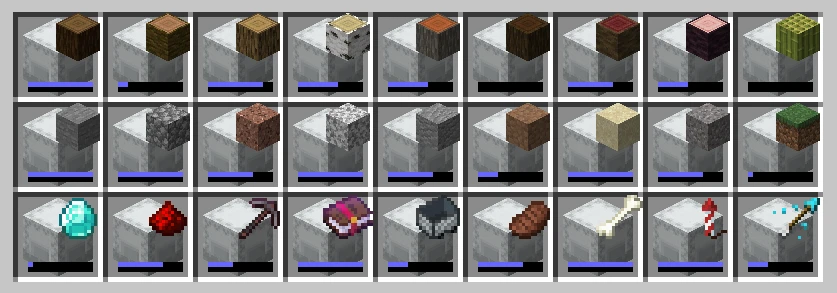
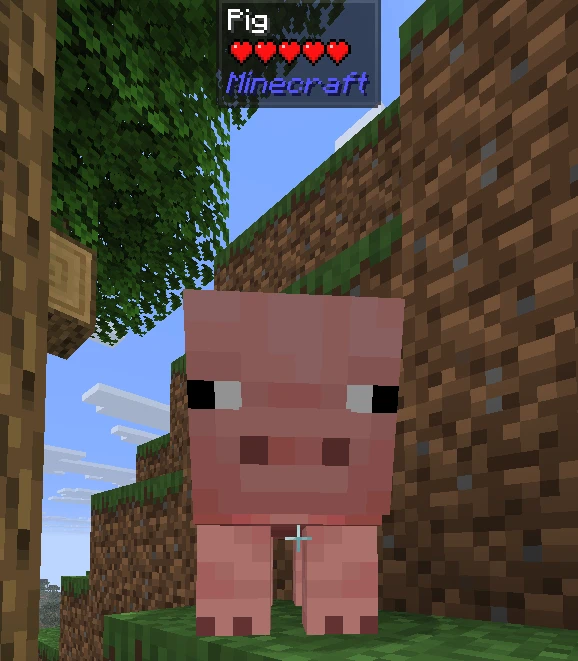
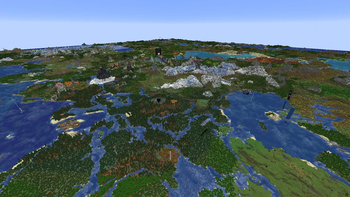
<h3>Features</h3> <details> <summary><a href="https://modrinth.com/project/zV5r3pPn">3D Skin Layers</a></summary> <img src="https://cdn.modrinth.com/data/Ohwb2cTF/images/2d97ac1ee3b1910ef7d646c7a4ba8a57977adc30.webp"> </details> <details> <summary><a href="https://modrinth.com/project/n6PXGAoM">Better Statistics Screen</a></summary> <img src="https://cdn.modrinth.com/data/Ohwb2cTF/images/30418335a6a011efd5e5c32400d01a5124a53546.webp"> </details> <details> <summary><a href="https://modrinth.com/project/OSMu7zRz">Better Tab</a></summary> <img src="https://cdn.modrinth.com/data/Ohwb2cTF/images/79d34a9115d2d781a9d40ec19ab80dc917a47ba3.webp"> </details> <details> <summary>Connected Textures (<a href="https://modrinth.com/project/1IjD5062">Continuity</a>)</summary> <img src="https://cdn.modrinth.com/data/Ohwb2cTF/images/c4f71ed8f20c5d8617ccfce87c18fa5678ea0866.webp"> </details> <details> <summary>Level of Detail rendering (<a href="https://modrinth.com/project/fxxUqruK">voxy</a>)</summary> <img src="https://cdn.modrinth.com/data/Ohwb2cTF/images/2ab667480e7600405fc5c2f115666e9112bf8dae.webp"> </details> <details> <summary>Shaders (<a href="https://modrinth.com/project/YL57xq9U">Iris Shaders</a>)</summary> <img src="https://cdn.modrinth.com/data/Ohwb2cTF/images/ba934effc29f300a5ef4bf574601a9d2df1ddb42.webp"> </details> <details> <summary><a href="https://modrinth.com/project/MLwpdyw5">Simple Shulker Preview</a></summary> <img src="https://cdn.modrinth.com/data/Ohwb2cTF/images/1a3443c3e9e9cd872452c94e8f3f55d55922b315.webp"> </details> <details> <summary>Technical QOL (<a href="https://modrinth.com/project/TQTTVgYE">Carpet</a>, <a href="https://modrinth.com/project/JygyCSA4">Item Scroller</a>, <a href="https://modrinth.com/project/UMxybHE8">MiniHUD</a>, <a href="https://modrinth.com/project/t5wuYk45">Tweakeroo</a>)</summary> MiniHUD <br><img src="https://cdn.modrinth.com/data/Ohwb2cTF/images/77081af7592e86e06b55ab7cca8eb403c4c4029c.webp"><br> Tweakeroo <br><img src="https://cdn.modrinth.com/data/Ohwb2cTF/images/3f2227b5725a32db223e125c18da3e2e0d02598c.webp"><br> </details> <details> <summary>What Am I Looking At (<a href="https://modrinth.com/project/nvQzSEkH">Jade 🔍</a>)</summary> <img src="https://cdn.modrinth.com/data/Ohwb2cTF/images/23491aa7b1130292792ba81f733356bf2ac95899.webp"> </details>
Keybinds
- Press
Cto zoom - Press
Rwhile in backpack or chest ui to sort items - Press
Gto toggle gamma override (Fullbright) - Hold
Shiftwhile hover at map or shulkerbox to preview - Hold
Ctrlto place block in different offsets - Hold
Altto place block in different rotations
Recommended JVM Arguments
Java 23 and up `` -Xms4G -Xmx4G -XX:+UseZGC ` **Java 21** ` -Xms4G -Xmx4G -XX:+UseZGC -XX:+ZGenerational ``
Modpack wiki coverage
Orca uses the project's published metadata and version files as the source of truth. Item, block, mob, recipe, structure, dimension, GUI, and mechanic pages are added after their included mod files are extracted and attributed.