- Downloads
- 1.4K
- Mod loaders
- fabric
- Minecraft versions
- 1.21, 1.20.1
- Categories
- lightweight, multiplayer, optimization
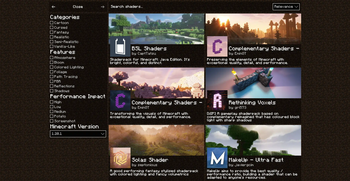
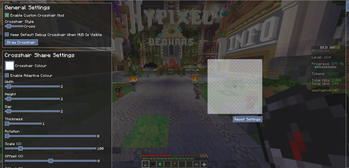
Zyno's Client+ screenshots
About this modpack
Features:
- In game account switcher
- In game skin manager
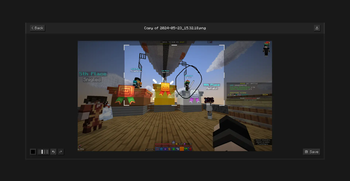
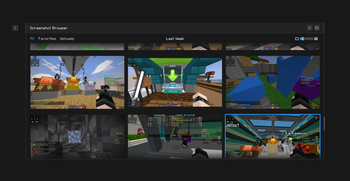
- In game screenshot manager (has cropping and brush)
- Friends System!
- Better Chat (Copy Chat text, Search Chat messages and timestamps)
- Drag server and resource packs to arrange them
- Player head icons in chat
- Custom HUD (Click Right-Shift)
- Custom crosshair
- Gamma utils(fullbright)
- Dynamic Lights
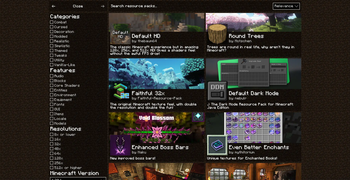
- In game resource pack downloader
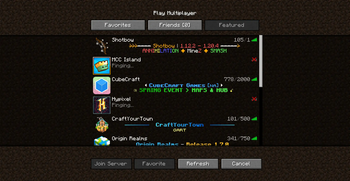
- In game server browser
- Wavy capes
- Custom capes for Free! (MinecraftCapes)
- Emotes for Free and Custom Emotes too! (Check Emotecraft Menu NOT Essential Emotes)
- Zoom
- Search keybinds
- Cape support from optifine, labymod, cosmetica, clocks+, MinecraftCapes and Wyntills
- And a bunch of performance mods!
Modpack wiki coverage
Orca uses the project's published metadata and version files as the source of truth. Item, block, mob, recipe, structure, dimension, GUI, and mechanic pages are added after their included mod files are extracted and attributed.